GitHub
This document will help you to update your project using GitHub. So ensure you have a GitHub account and install git on your system, also ensure you have two repository for your project where you already push our project.
Install git on your system:
Open your terminal if you are on windows open git bash.
Command for Clone the repository:
git clone https://github.com/username/repository.git
Step 1:
Download the latest version of the project from Codecanyone and extract it. You know we have three different Zip on Core.zip, Admin.zip, standalone-client.zip and static-client.zip.
So, you should have two repositories one for admin and one for frontend.
clone the both repository on core folder.
now you have 4 folder on core folder. Two from git and two from codecanyone.
Step 2:
Go to git repository folder remove all files and folder except .git folder.
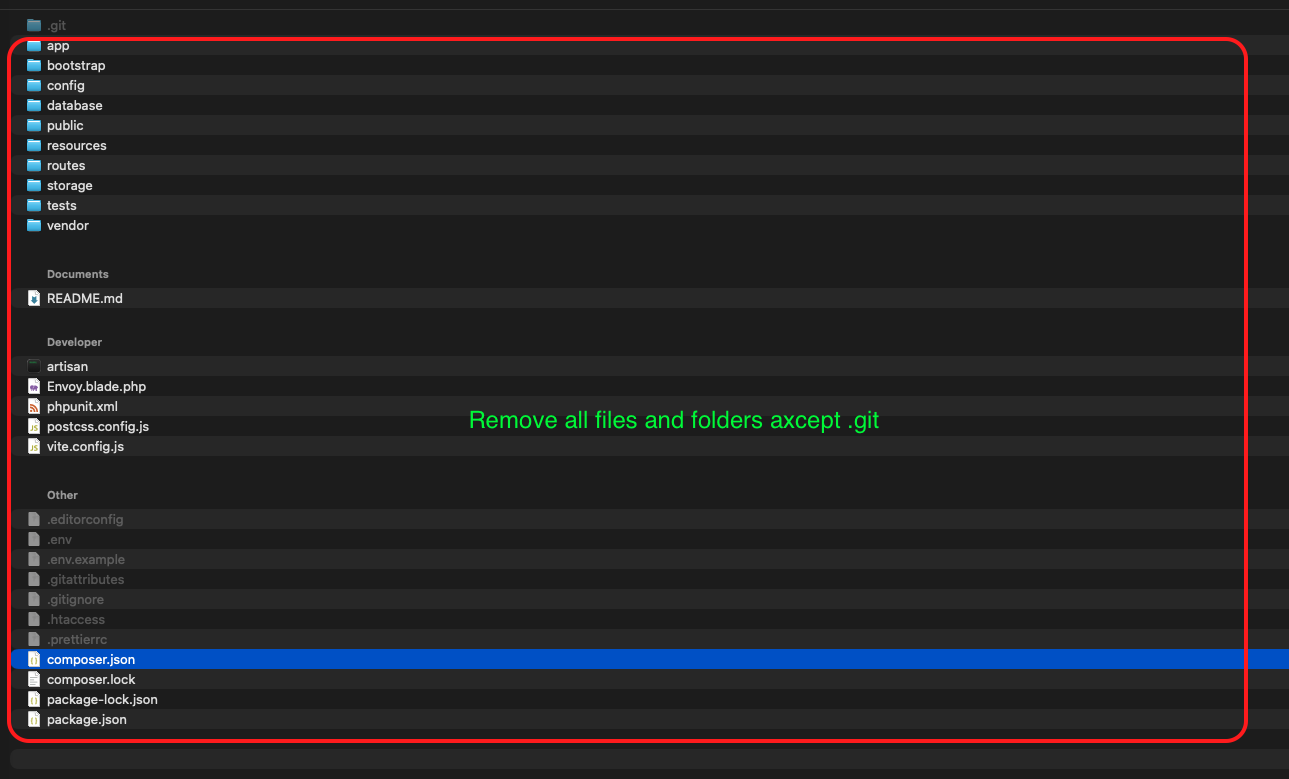 As you can see bellow removed all files and folder except .git folder.
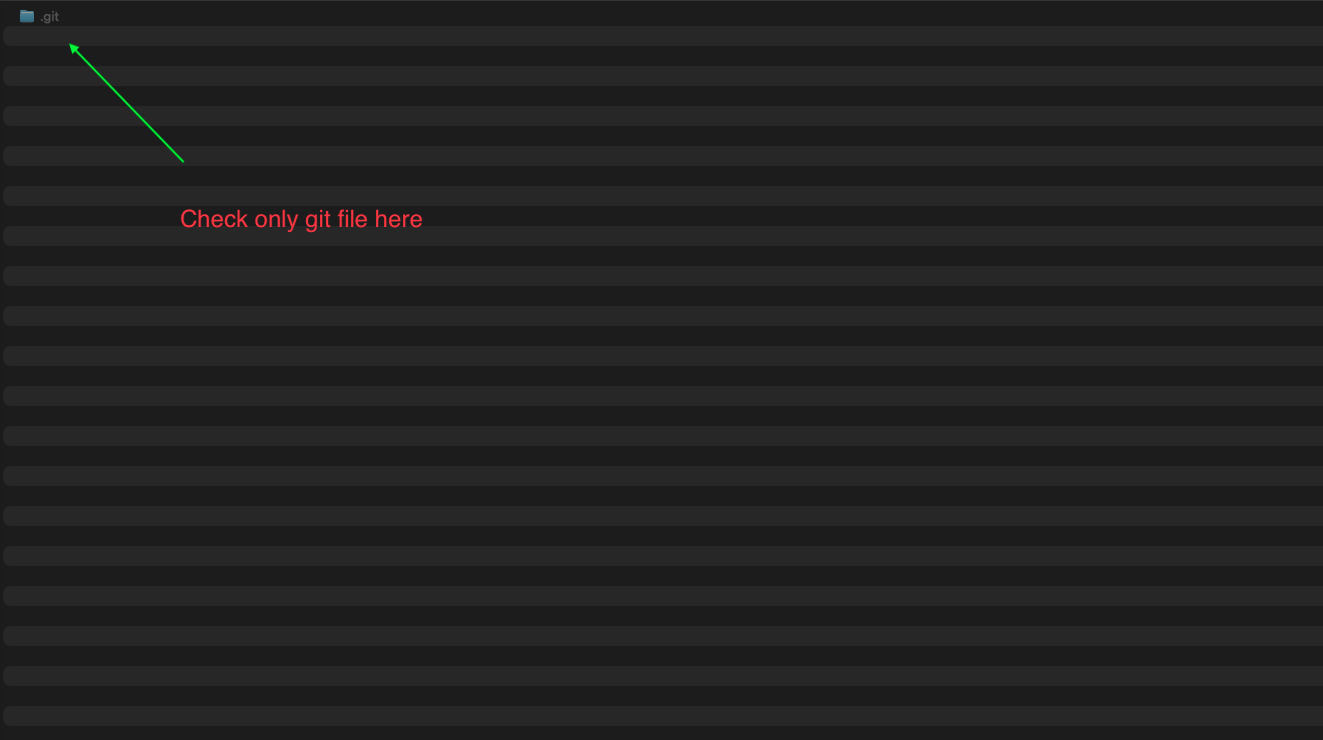
Step 3:
Now copy all files and folder from codecanyone repository and paste it in git repository folder.
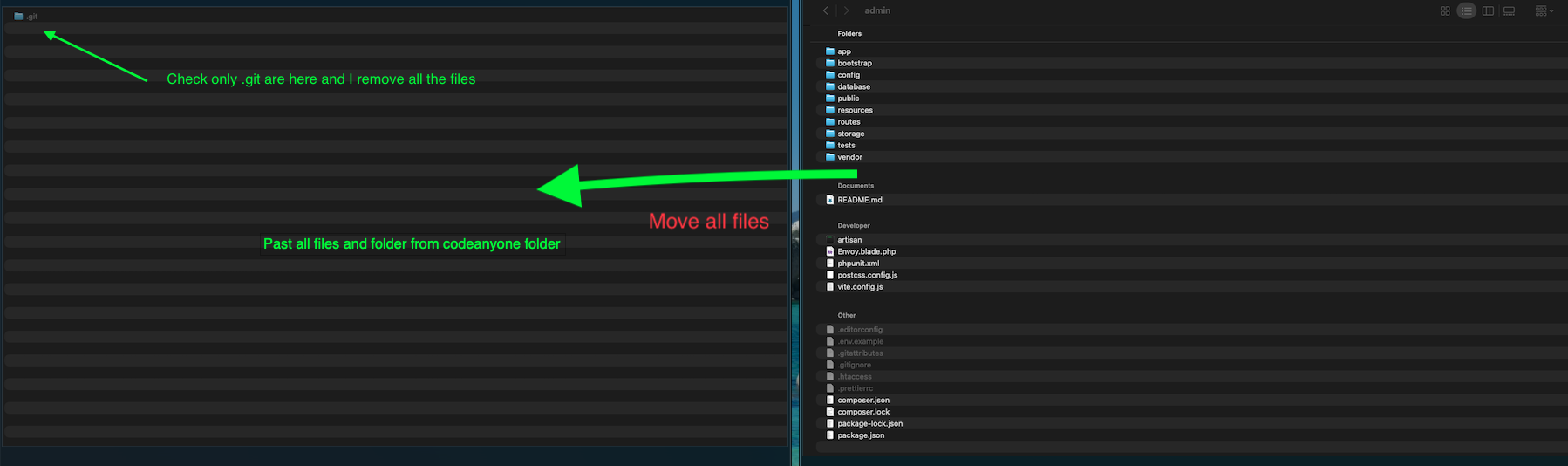
Step 4:
Now push it to github.
    git add .
    git commit -m "Update"
    git push
Do the same for frontend repository.
Deploy (Vercel or Netlify)
If you have deployed to vercel or netlify using github, then the github will deploy your frontend automatically after new push.